Snake(Shepus Snake)
A downloadable game for Windows
Snake(Shepus Snake)
A high-performance Snake game built entirely in Python, engineered to run smoothly at 60 FPS and designed specifically for Windows. This isn't your average Snake game — it's packed with features that elevate the classic formula into a fully customizable, replayable experience.
Key Features:
- Smooth 60 FPS Gameplay – Optimized for a fluid, responsive experience.
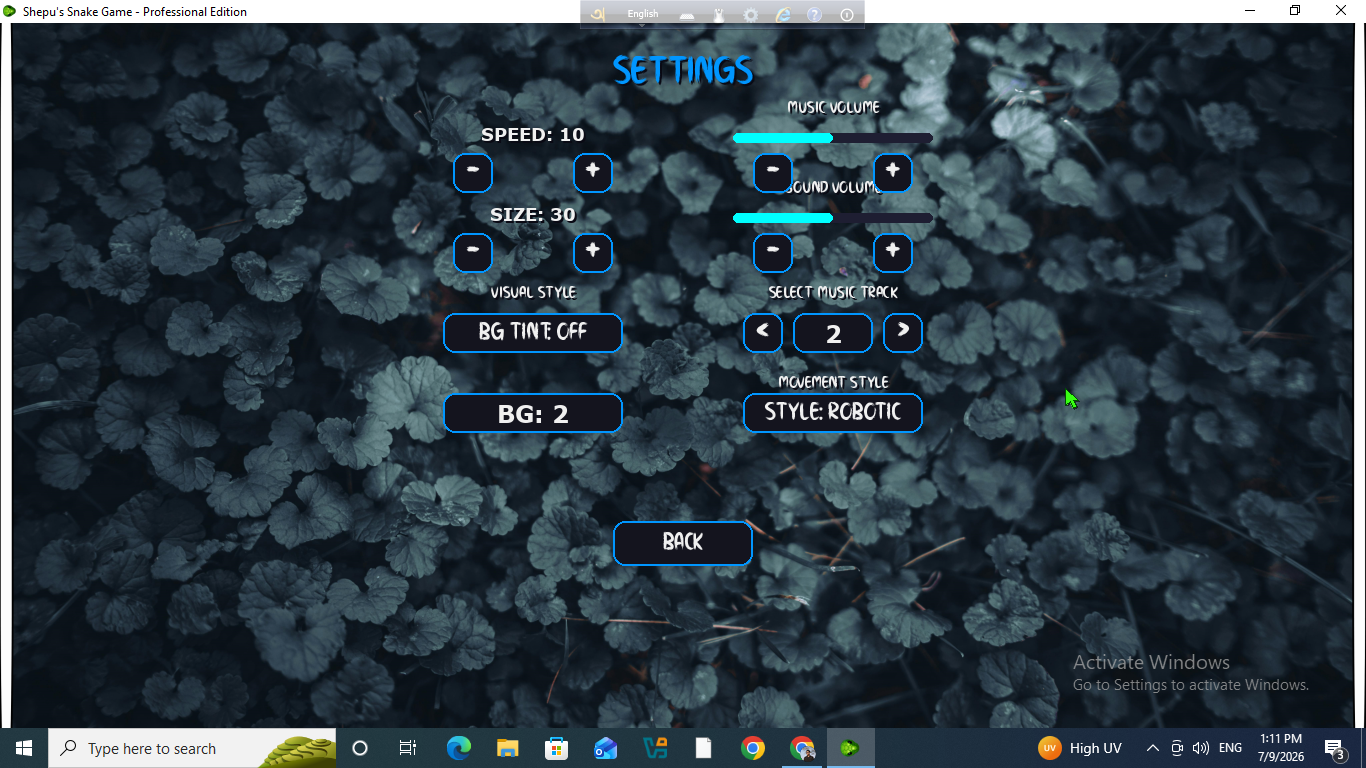
- Full Customization – Choose from a wide variety of background themes, music tracks, and visual styles.
- Flexible Controls – Play using either Arrow keys or WASD.
- Adjustable Settings – Control snake speed and adjust the size of in-game elements to your preference.
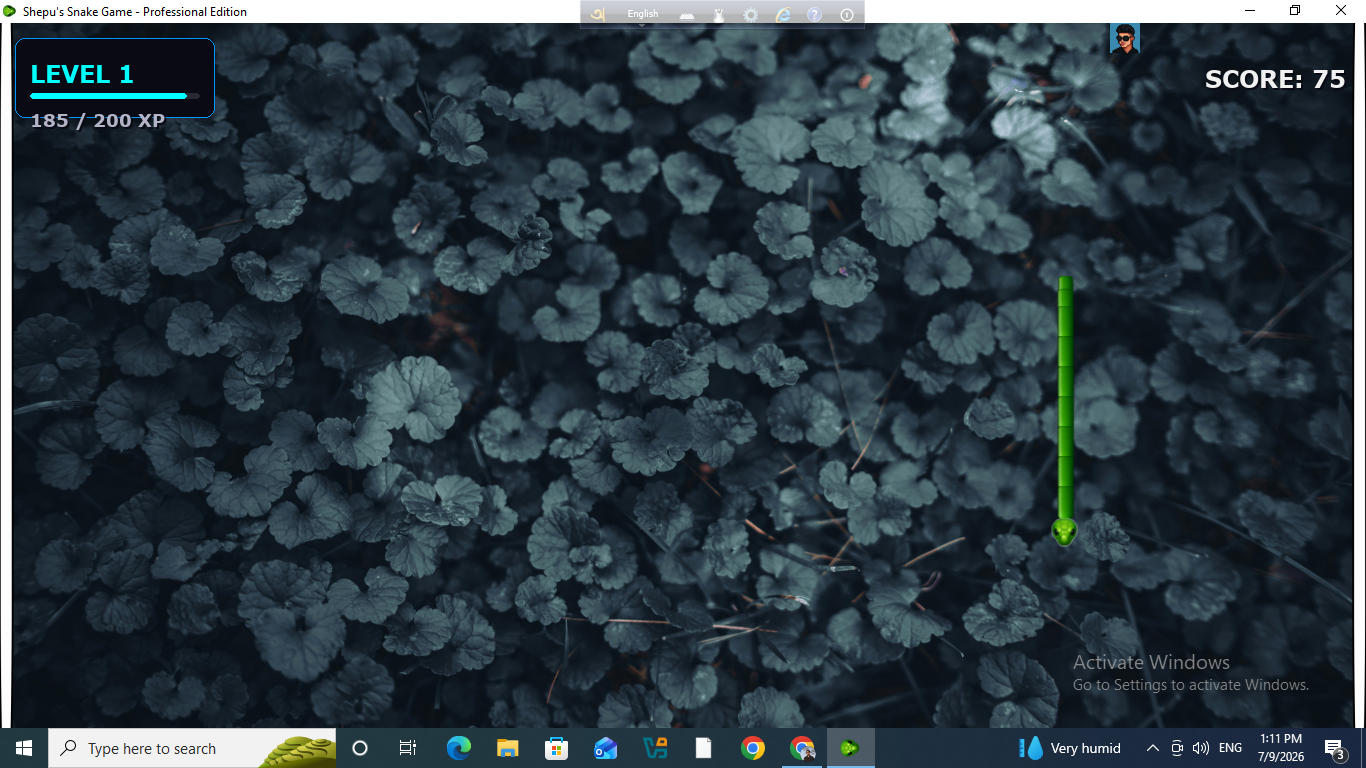
- Realistic Movement – The snake moves and behaves like an actual snake, offering a more natural and immersive control feel.
- Leaderboard System – Compete for the top spot and track your best scores.
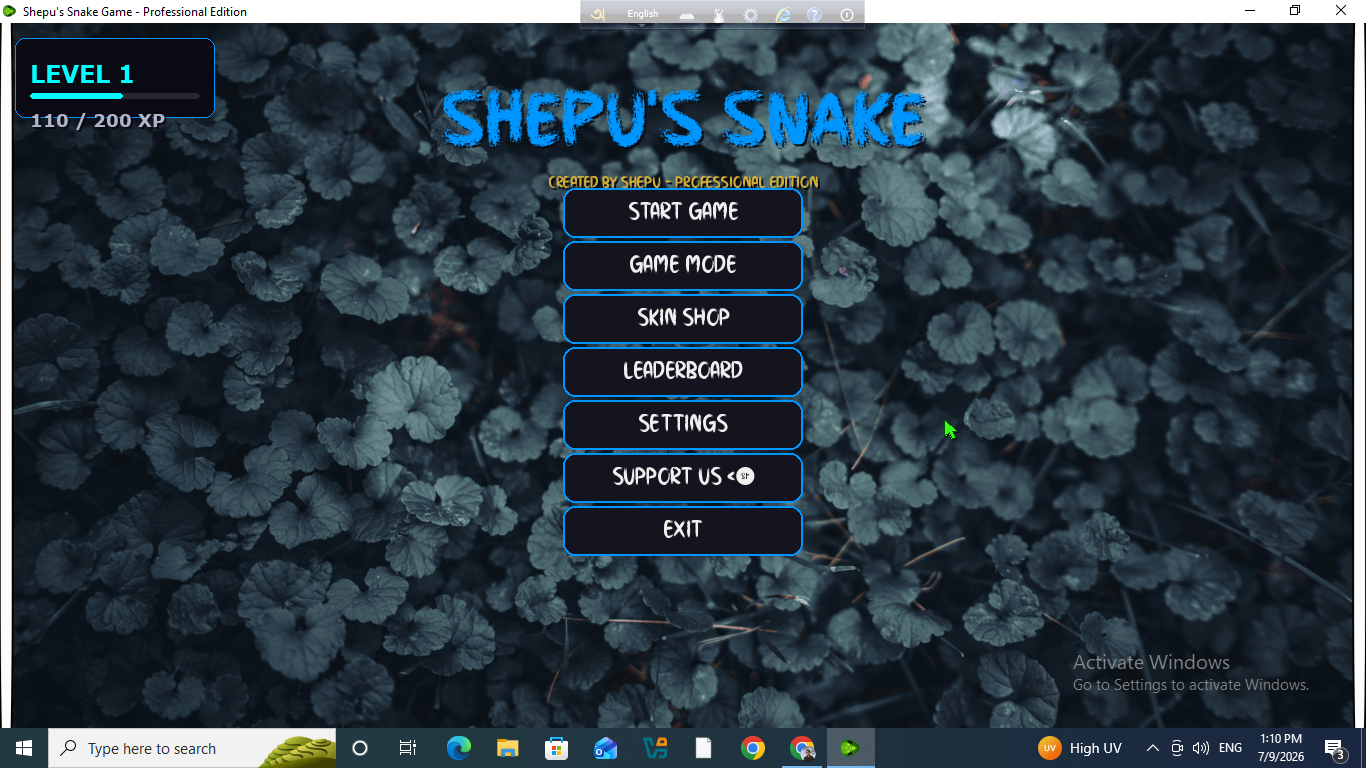
- Level & EXP System – Earn experience points to level up and unlock new snake skins.
- Boss Battles – Face a unique boss fight at the end of every level, with difficulty scaling progressively as you advance.
- 3 Game Modes – Choose between Classic, Time Attack, and No Wall modes for different styles of play.
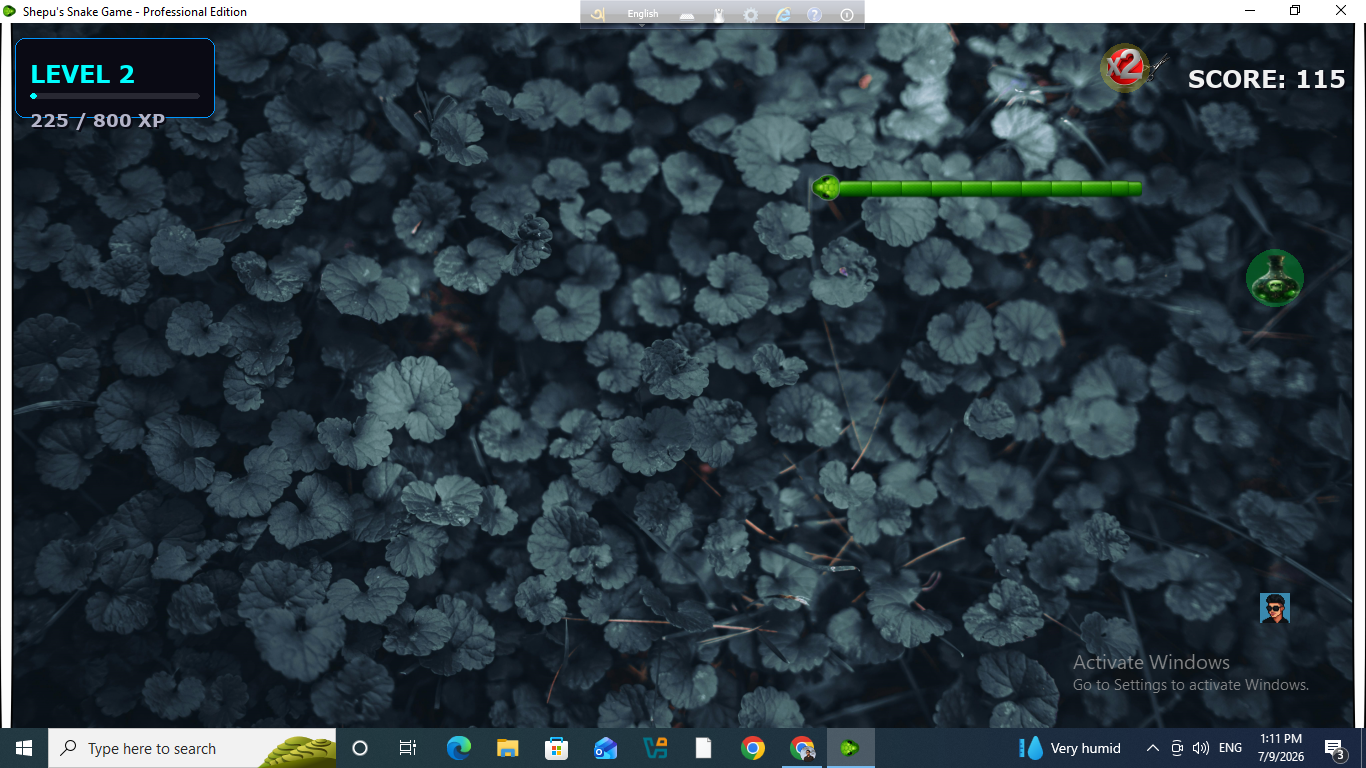
- Diverse Food System – 7–8 different types of food, each offering different scores and EXP values, encouraging strategic play to progress through levels.
- Power-Ups – Collect special items like Slow, Ghost, Double, Hack, and more to gain tactical advantages.
Completely Free to Play
Designed to offer something for every type of player — casual or competitive — this game combines nostalgic gameplay with modern mechanics, customization, and progression systems.
Created by: Shareharjan Shepu
Download
Install instructions
Installation Instructions
- Locate the setup file and run it as Administrator (right-click → "Run as administrator").
- Click Next to proceed through the initial setup screen.
- Choose your desired installation path/directory, then click Next.
- Click Install to begin the installation process.
- Once the installation is complete, click Finish.
- A shortcut to the application will now appear on your desktop, ready to launch.
Leave a comment
Log in with itch.io to leave a comment.